

Preserve the Main Subject
Keep the core pose, composition, and visual identity from your uploaded image while applying an anime illustration style.
Initializing dashboard...
Upload a photo and turn it into anime-style art with AI. Convert portraits, pets, scenes, and everyday images into anime avatars, character art, and polished illustrations.
An AI photo to anime generator transforms uploaded images into anime-style artwork. Instead of starting from a blank prompt, you can use a real portrait, pet photo, character reference, or scene image as the foundation, then guide the result with anime styles, mood, lighting, and optional prompt details.
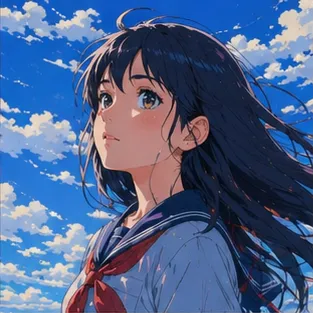
Use your original image as a reference while exploring anime style, character identity, and visual mood.
Keep the core pose, composition, and visual identity from your uploaded image while applying an anime illustration style.
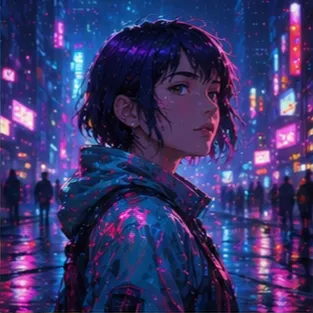
Convert photos into clean anime portraits, soft studio-style scenes, cyberpunk looks, fantasy illustrations, watercolor anime, and more.
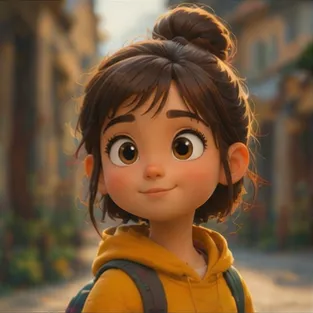
Generate anime avatars and character images for social profiles, creator branding, roleplay characters, story concepts, and visual experiments.
Use image-to-anime generation for portraits, pets, scenes, and creative concept work.
Upload a portrait or selfie-style image and create an anime avatar with expressive eyes, clean shading, and a profile-friendly look.

Turn pet photos into cute anime-style character art, mascot concepts, or storybook-inspired illustrations.
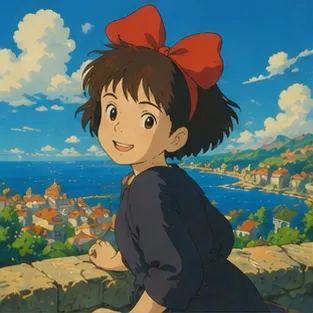
Convert landscapes, rooms, streets, or travel photos into anime-style backgrounds for stories, posts, moodboards, and creative references.
Upload a photo, choose an anime direction, then generate your anime-style image.

Choose a clear portrait, pet photo, character reference, or scene image. Higher-quality images usually produce cleaner anime results.
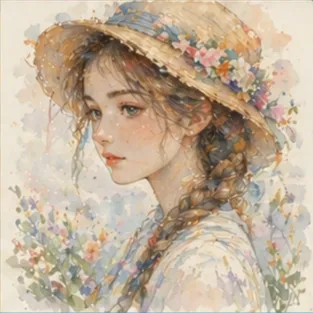
Select an anime style and model. Add optional prompt notes for mood, outfit, background, lighting, or illustration direction.

Create the anime version of your photo, then refine the prompt or style to explore alternate looks.
"I used it to turn a plain portrait into something that felt much more expressive without losing the original vibe."
Content Creator
"The anime result was clean enough to use as a profile image, which saved me a lot of trial and error."
Avatar Designer
"My cat photo came out surprisingly cute in anime style. It felt more like character art than a filter."
Pet Owner
"I use it to explore color and mood quickly before I paint the final version by hand."
Illustrator
"It gives me anime-style avatars fast, and the different styles make it easy to test a few looks."
Streamer
"I liked uploading a scene photo and seeing it come back with a more cinematic anime feel."
Student
Upload an image, choose an anime style, and create an anime avatar or illustration with AI.
Convert Photo to AnimeAnswers to common questions about converting photos into anime-style images.
Upload a clear photo, choose an anime style and model, add optional prompt details, then generate the anime-style image. You can refine the prompt or style for different results.
Yes. Upload a portrait image and choose a portrait-friendly aspect ratio to create an anime avatar for profiles, creator branding, or character references.
Yes. The tool can use pet photos, character references, indoor scenes, streets, landscapes, and other images as references for anime-style generation.
AI image transformation tries to preserve the main subject, pose, and composition, but results vary by model, photo quality, prompt, and style choice.
New users receive trial credits to test the workflow. After that, you can subscribe or buy credits depending on how many images you want to create.