Shot AI

Initializing dashboard...

AI Image to Video Generator: Bring Static Images to Life

Upload a static image and AI will breathe life into it, generating smooth and natural dynamic videos. Perfect for social media content, product showcases, creative expression, and more.

What Can You Do with ShotAI AI Image to Video Generator?

This technology adds motion to your still assets, turning flat images into captivating mini-movies, looping animations, and dynamic social media posts.

2D to 3D Animation & Element Animation

Create the illusion of 3D depth and camera movement (e.g., zoom, pan, orbit) from a single 2D image. Animate specific elements within your image, such as making clouds move, water ripple, or smoke rise. AI automatically analyzes image content to generate reasonable motion trajectories.

Prompt-Based Motion Control

Upload an image and use a text prompt to describe the motion you want (e.g., "make the waterfall flow" or "gentle wind blowing through the trees"). Precisely control motion direction and speed through text descriptions. Support for camera push/pull, panning, rotation, and various motion modes to create cinematic visual effects.

Character Animation & Scene Expansion

Animate a character in a photo or illustration, making them talk (lip-sync), blink, or move. AI can intelligently infer content beyond the image frame and naturally present it in the video, creating a wider, more cinematic shot. Break through frame limitations to present richer visual experiences.

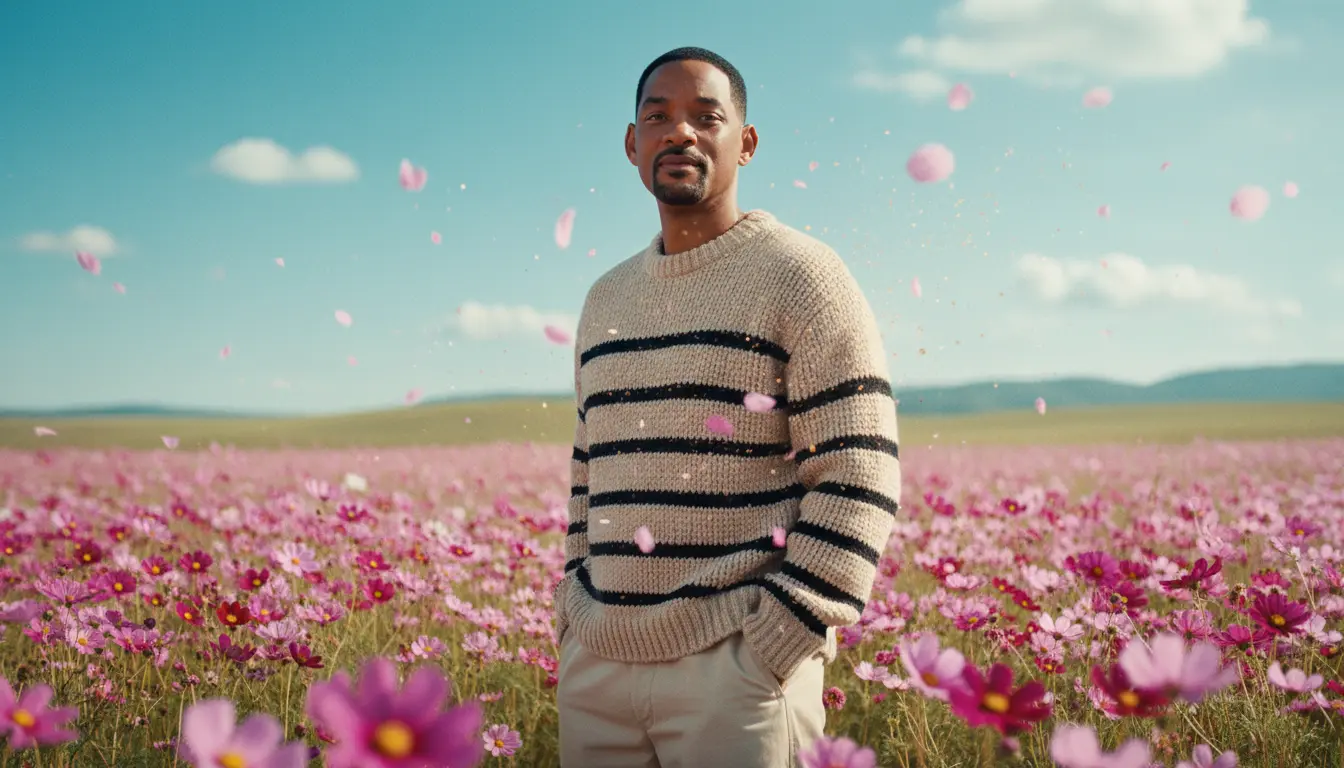
Who Is ShotAI AI Image to Video Generator For?

Our AI Image to Video Generator brings motion to your images, perfect for social media, marketing, and creative projects.

Social Media Marketers

Turn static product shots into eye-catching video ads Create looping animations for Instagram Reels and TikTok Increase engagement with dynamic visual content

Artists & Illustrators

Showcase digital art by adding subtle motion Create animated versions of their work for portfolios Bring still characters and scenes to life

Photographers

Add a new dimension to still photos Create subtle animations ("cinemagraphs") to make work stand out Offer animated portraits or landscapes as a new product

How to Use ShotAI AI Image to Video Generator

Animate your images effortlessly with our user-friendly workflow. Create engaging video content that captures attention.

1

Select Starting Image

Upload the static image you want to animate. Choosing clear, well-composed images yields better results. Supports landscapes, portraits, products, and various other subjects.

2

Describe Motion Effects

Enter a description of the animation effect you expect. For example: "Camera slowly pushing in, leaves swaying in the wind" or "Character turns head and smiles, background blurs". Clear descriptions yield more precise results.

3

Set Video Parameters

Choose video duration, motion intensity, and other parameters. Shorter durations (3-5 seconds) typically produce more stable results, while longer durations can show more dynamic details.

Start creating with AI Image to Video Generator: Bring Static Images to Life

Open the generator, describe what you want, and turn your idea into polished visual content with ShotAI.

Start Creating

Frequently Asked Questions

Get answers about ShotAI AI Image to Video Generator, motion control, and tips for creating impressive animated content.

ShotAI Image to Video Generator brings your static images to life by adding AI-powered motion and animation. Upload any photo, illustration, or artwork, and our AI will analyze the content to create smooth, natural animations with camera movements, element motion, and cinematic effects. Perfect for creating engaging social media content and dynamic presentations.

ShotAI works with various image types including photographs, digital art, illustrations, product shots, and landscapes. Images with clear composition and distinct subjects produce the best results. High-quality images with good lighting and focus will yield smoother, more natural animations. ShotAI can handle portraits, scenic photos, and product images effectively.

ShotAI gives you precise control over animation through text prompts. Describe the motion you want, such as "camera slowly zooming in" or "gentle breeze making leaves sway." You can specify camera movements (pan, zoom, orbit), element animations (water flowing, clouds moving), and motion speed (slow, smooth, fast) to achieve your desired effect.

ShotAI generates video clips typically ranging from 3 to 10 seconds, optimized for social media loops and dynamic content. The duration depends on your subscription plan and selected settings. These short, impactful clips are perfect for Instagram Reels, TikTok, product showcases, and eye-catching social media posts.

Yes, ShotAI can create seamless looping videos where the end smoothly transitions back to the beginning. Simply mention "loop" or "seamless loop" in your prompt, and choose a shorter duration for best results. These looping animations are ideal for background videos, digital signage, and continuous social media content.

ShotAI creates entirely new motion from a single static image using advanced AI, offering far more control and dramatic effects than live photos. While live photos capture a few seconds around when you took the picture, ShotAI generates custom animations based on your creative direction, including camera movements, depth effects, and element-specific animations.

Yes, all videos you create with ShotAI image-to-video generator can be used commercially. Use them for social media marketing, product advertising, website backgrounds, presentations, and digital campaigns. You retain full rights to your creations, making ShotAI perfect for businesses, marketers, and content creators.