
Automated Precision
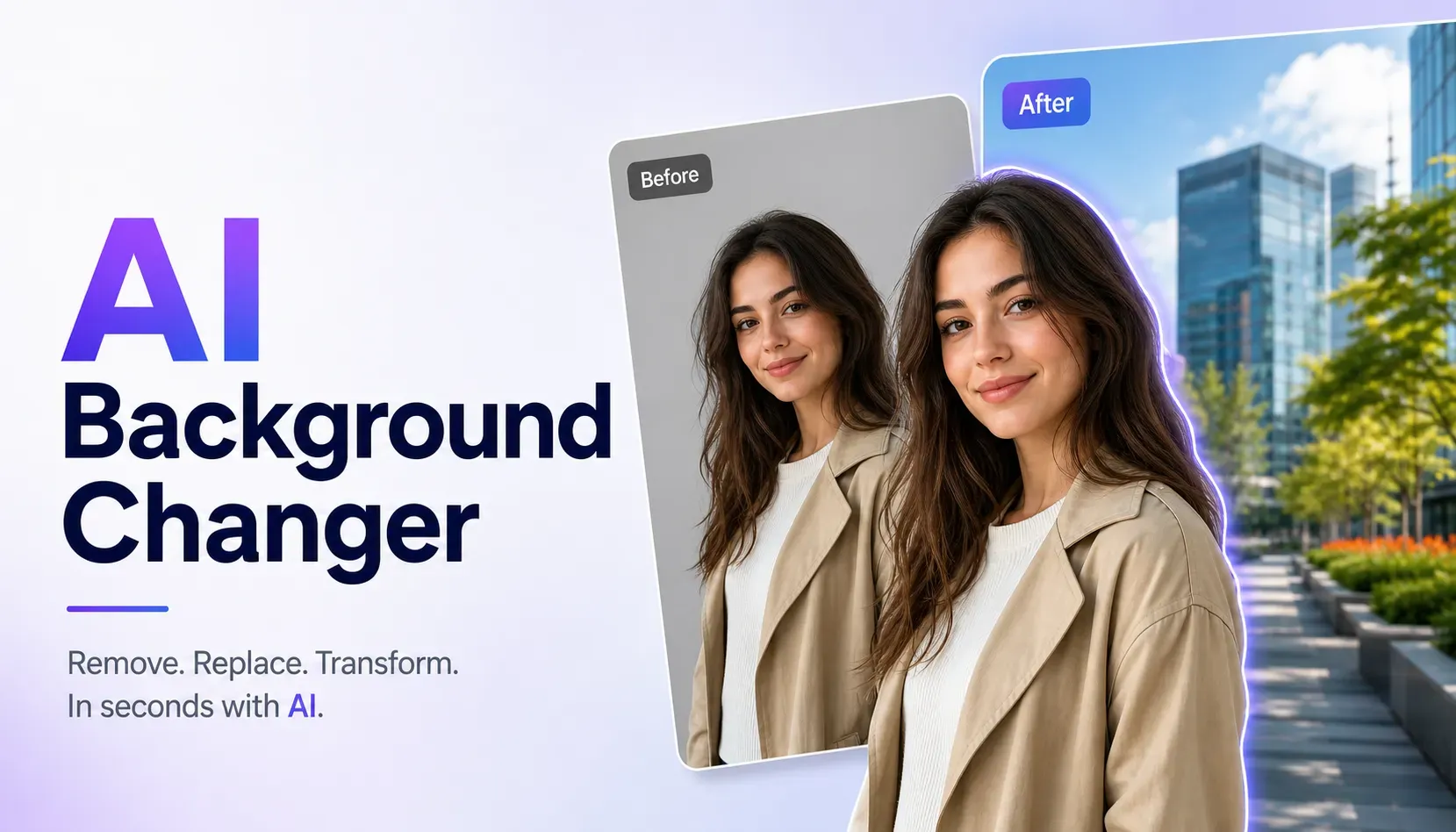
Ditch manual masking and lasso tools. Our AI separates the subject and integrates it into a new background in seconds.
Initializing dashboard...
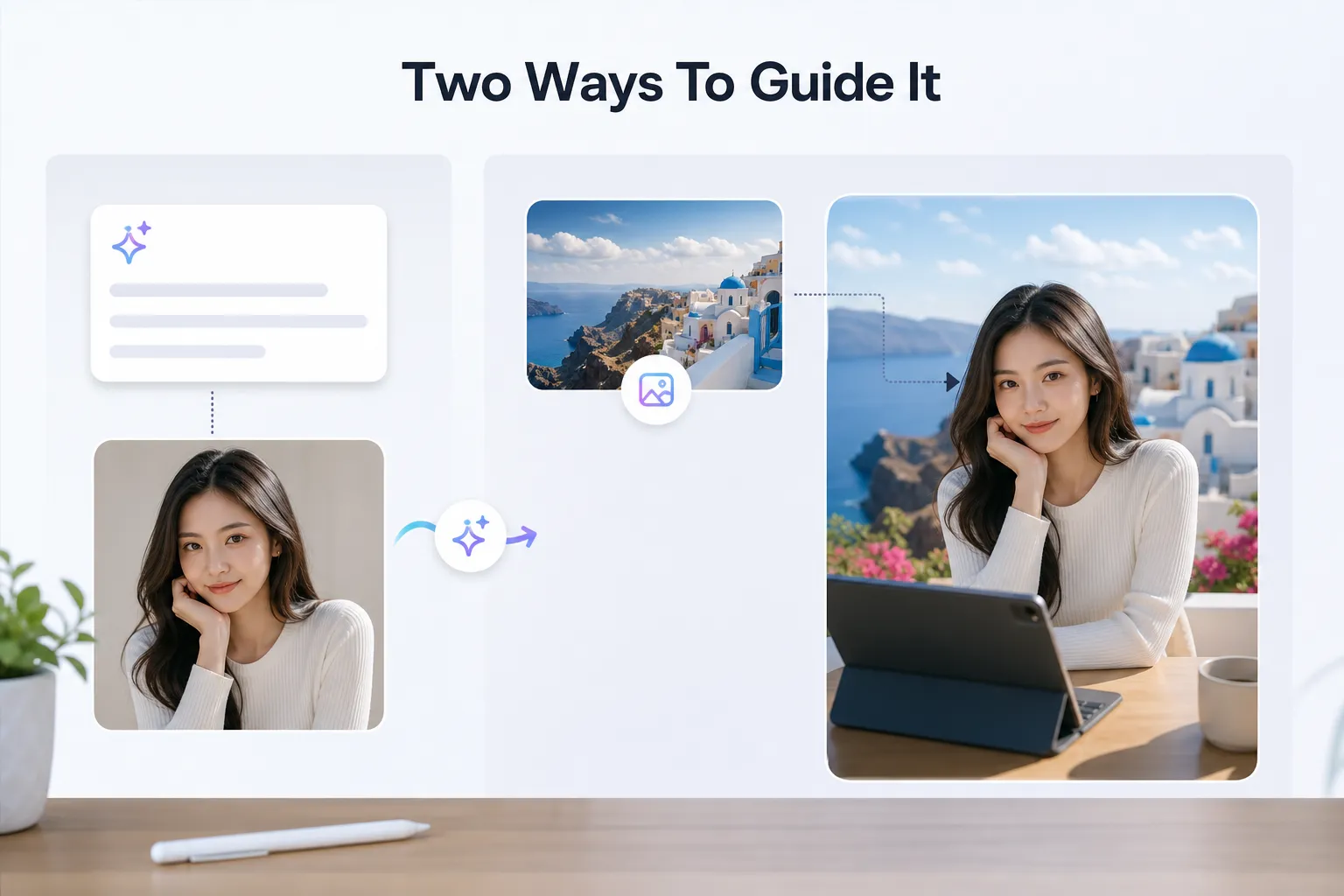
Swap out image backdrops using AI. Generate new backgrounds with simple text prompts or upload a reference image to guide the scenery.
Our AI background changer lets you substitute the backdrop of any photo while seamlessly blending the subject into the new environment. You can prompt the AI to generate a brand new scene, or supply a background photo to serve as a visual reference.
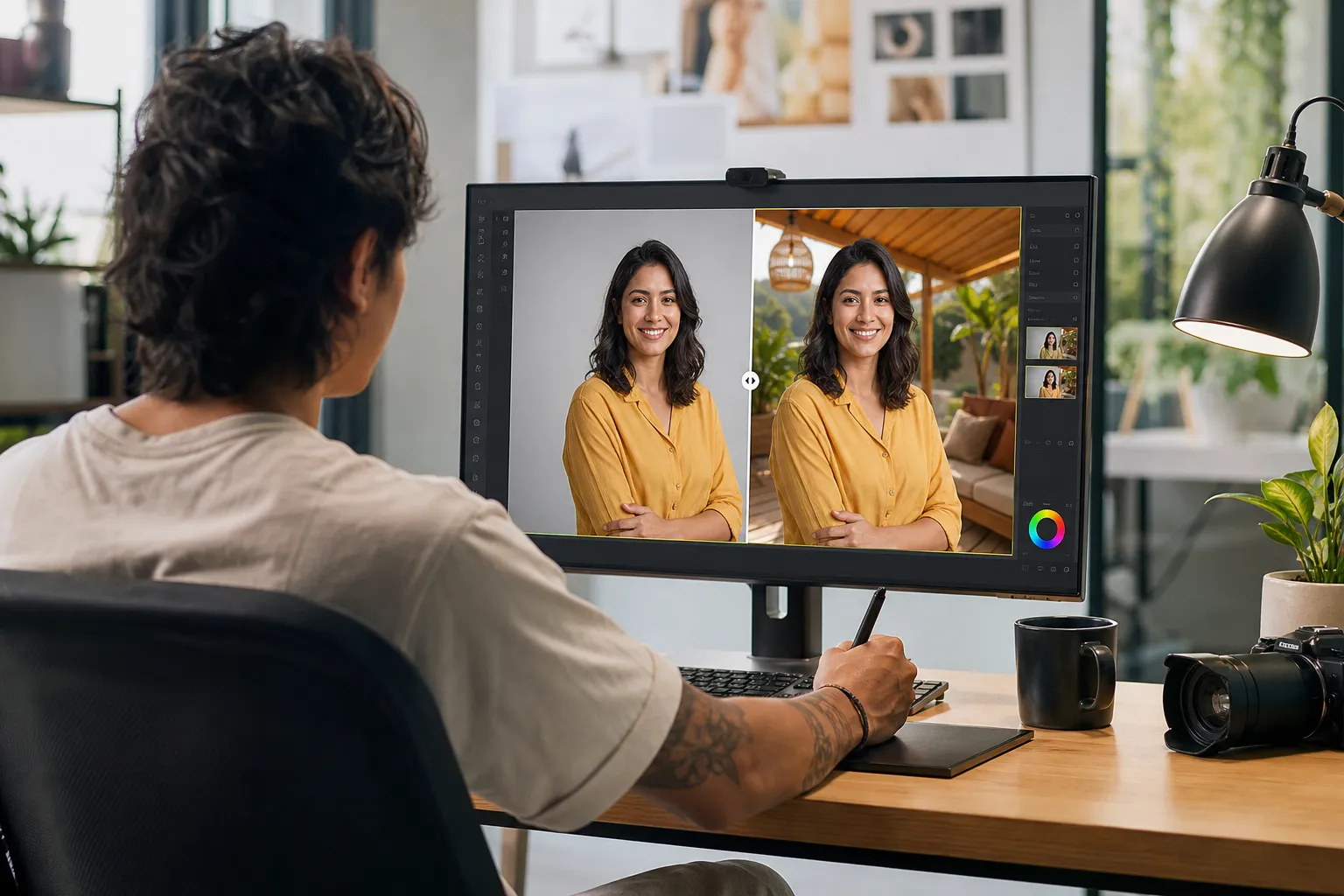
Instantly relocate any subject to a new setting, avoiding tedious manual editing.
Ditch manual masking and lasso tools. Our AI separates the subject and integrates it into a new background in seconds.
Type the exact setting you want (e.g., "a sunny beach at sunset") or upload a specific background image to match with AI Background Changer.
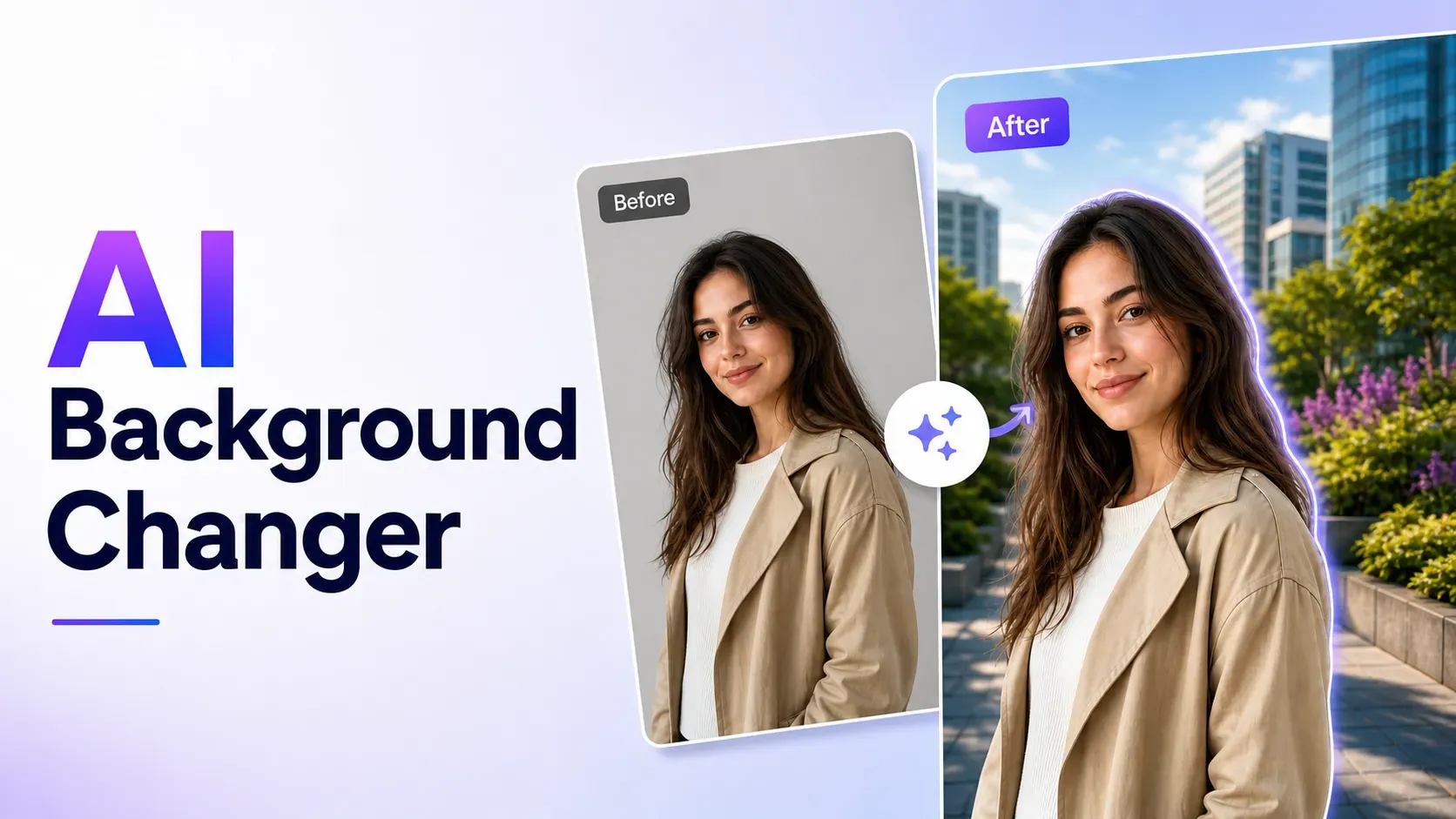
The AI adjusts shadows and ambient light on your subject to match the new background, keeping the final output realistic.
Transform your graphics and photographs with custom settings tailored to your goals.
Place corporate or creative portraits in clean office environments, studio backdrops, or outdoor settings.
Relocate product shots to consistent backgrounds like marble countertops, modern shelves, or seasonal settings with AI Background Changer.
Quickly repurpose a single subject photo for multiple campaigns by changing backdrops to suit different holidays or themes.
Upload your subject photo, define the new background, and let the AI handle the blending.
Select the photo containing the person, product, or object you want to preserve.
Write a descriptive text prompt for the new scene, or upload an image to use as the background reference.
Generate the final image, verify the edges and lighting, and download your newly composed artwork.
"Swapping product backdrops with text prompts has saved me hours. The lighting blends beautifully."

Shop Owner
"I can take one portrait and put it in a studio, cafe, or outdoor background in seconds. It looks so natural."

Social Media Manager
"The ability to upload a custom background reference image makes this a game changer for keeping client photos consistent."

Photographer
Upload an image and replace the background instantly using AI Background Changer.
Change BackgroundCommon questions about replacing photo backgrounds with prompt or reference image guidance.
The AI automatically detects subject boundaries and blends lighting and color to match the new background.
Yes, you can upload any image to serve as the new background, and the AI will place your subject on top.
Photos with clear subjects, sharp edges, and decent resolution produce the most natural-looking results.
Yes, commercial usage is supported for generated assets, subject to your active subscription plan.