
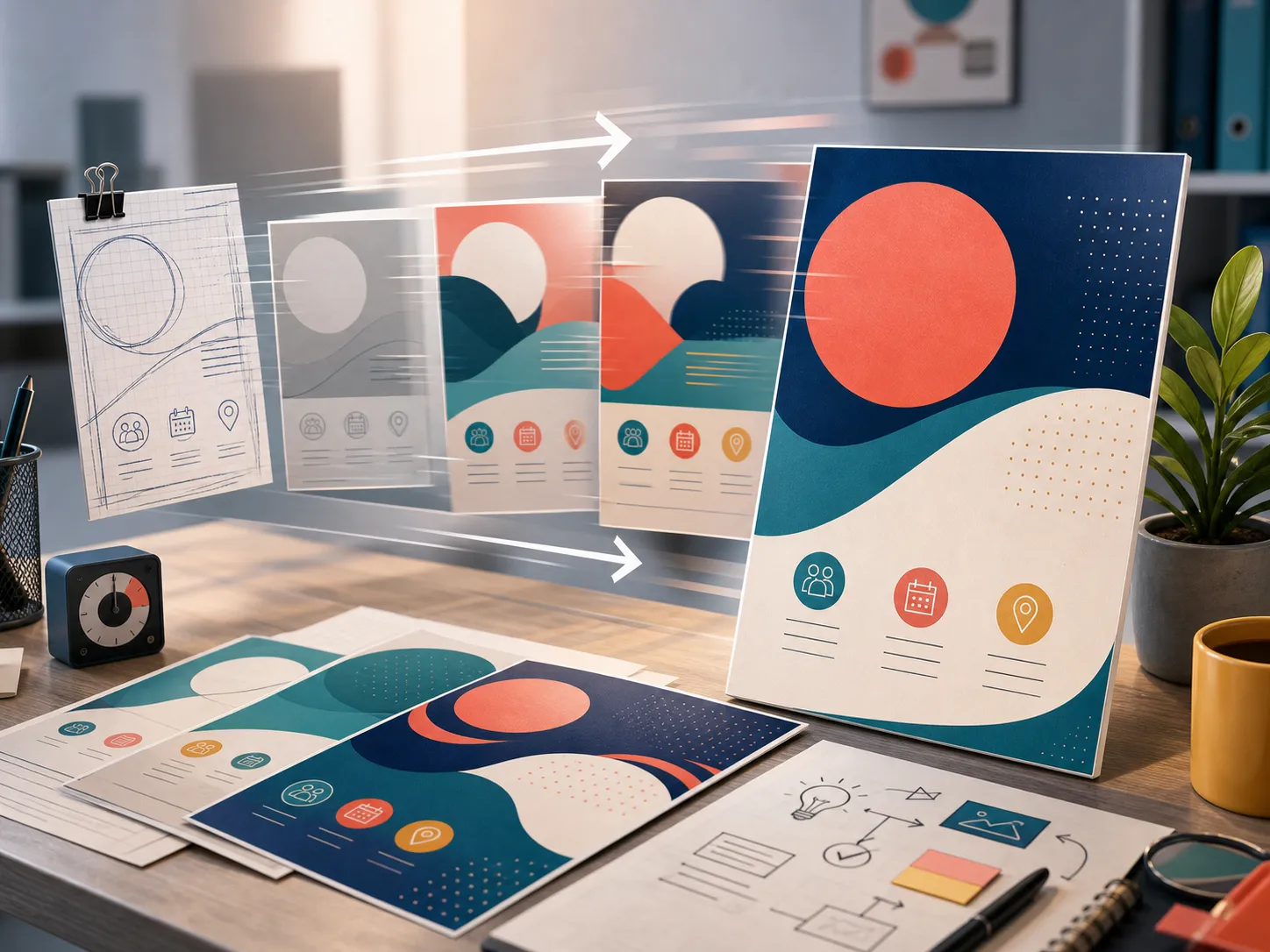
Fast Concept Iteration
Turn your event ideas and promotional copy into design drafts in seconds, saving days of graphic design work with AI Flyer Maker.
Initializing dashboard...
Generate high-quality business, event, retail, and promotional flyers from text descriptions. Optionally guide the layouts using custom image references to stay on-brand.
Our AI flyer maker translates a campaign description, event brief, or promotional text into a structured, eye-catching flyer layout. Perfect for small businesses, events, and community activities, it supports styles like modern corporate, minimalist, retail promos, elegant event posters, and warm organic aesthetics.
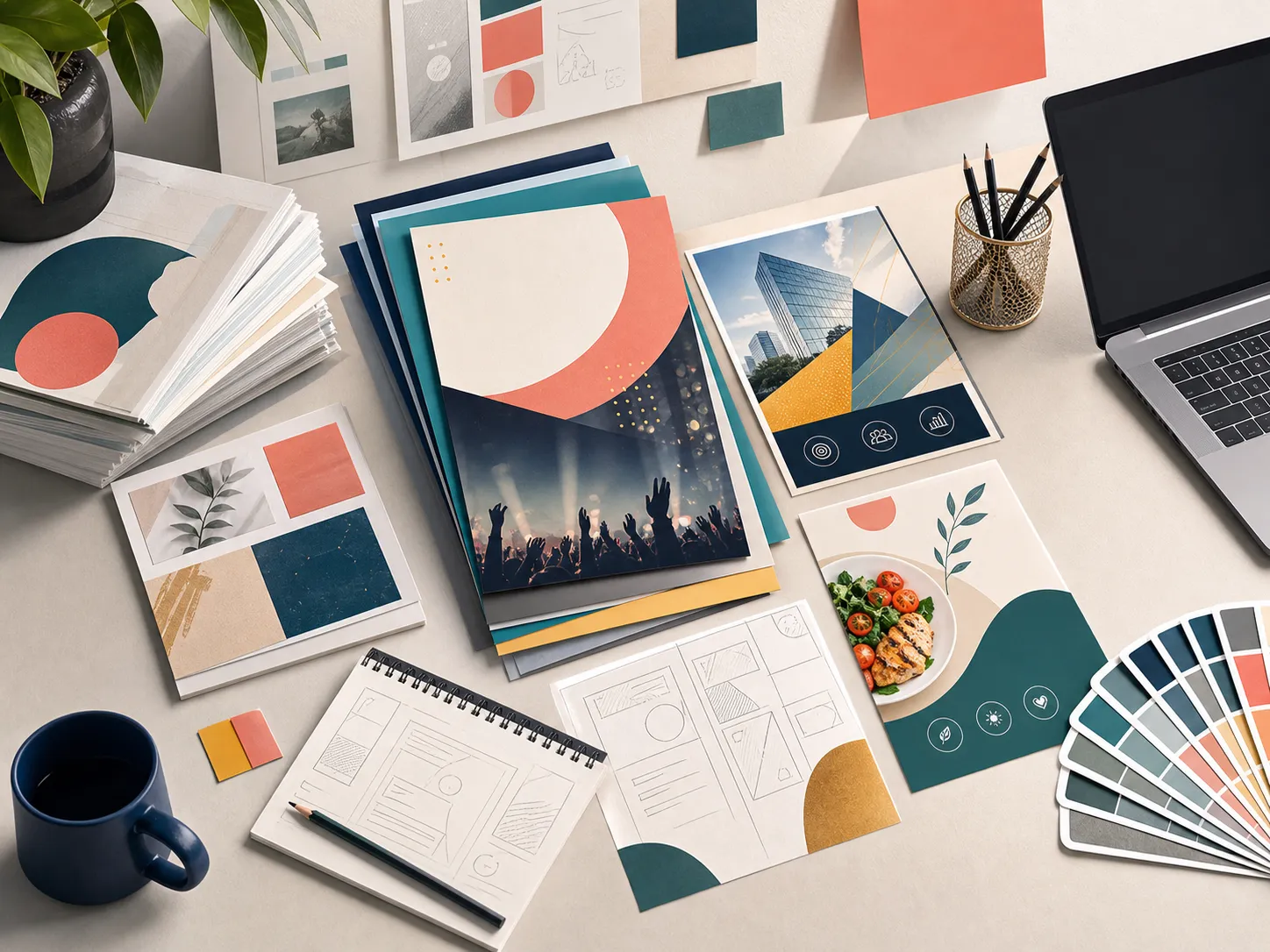
Quickly generate professional marketing visual layouts built around your unique text and style.
Turn your event ideas and promotional copy into design drafts in seconds, saving days of graphic design work with AI Flyer Maker.
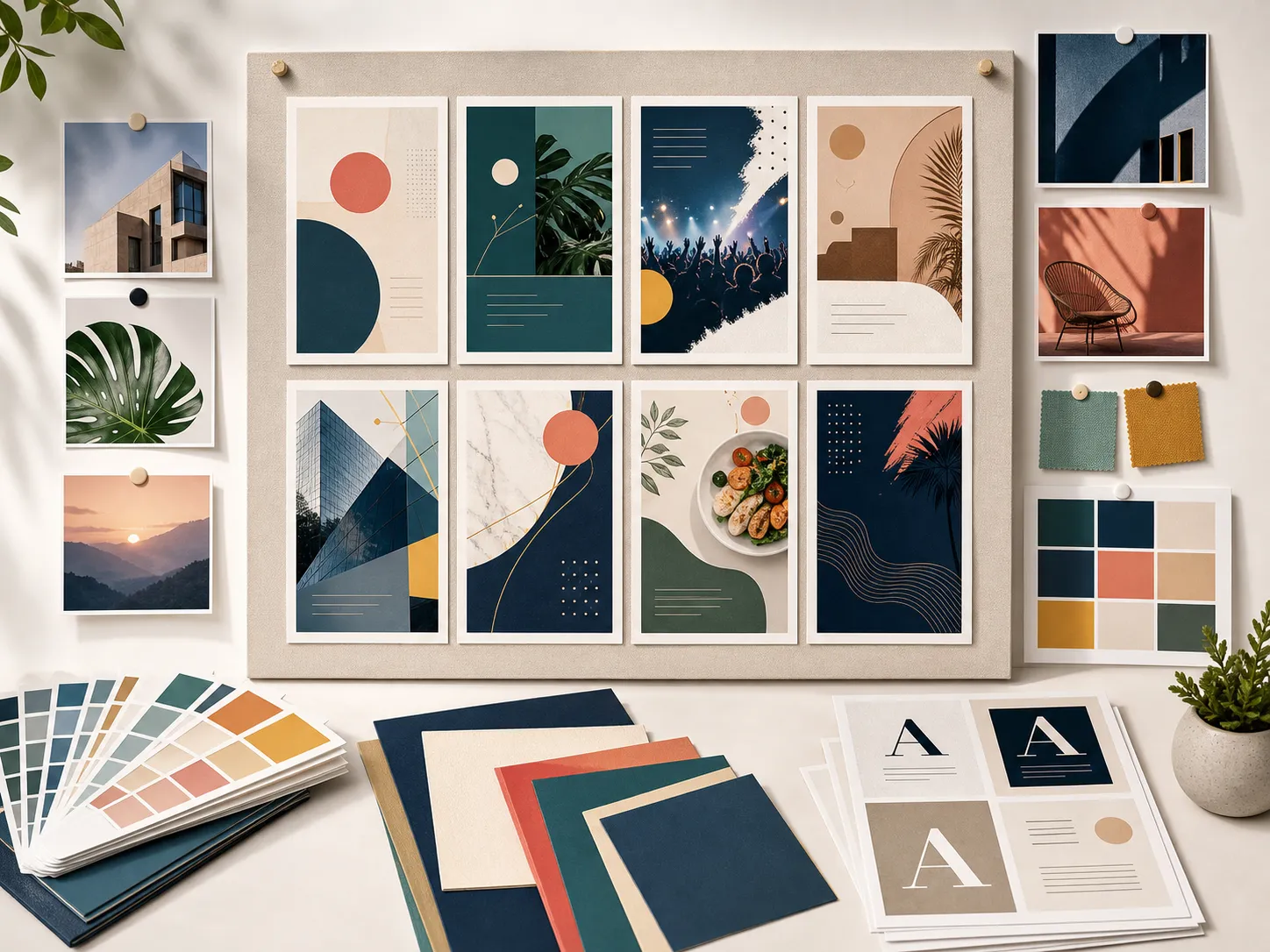
Upload your existing logos or layout examples to guide the structure, positioning, and overall aesthetic direction.
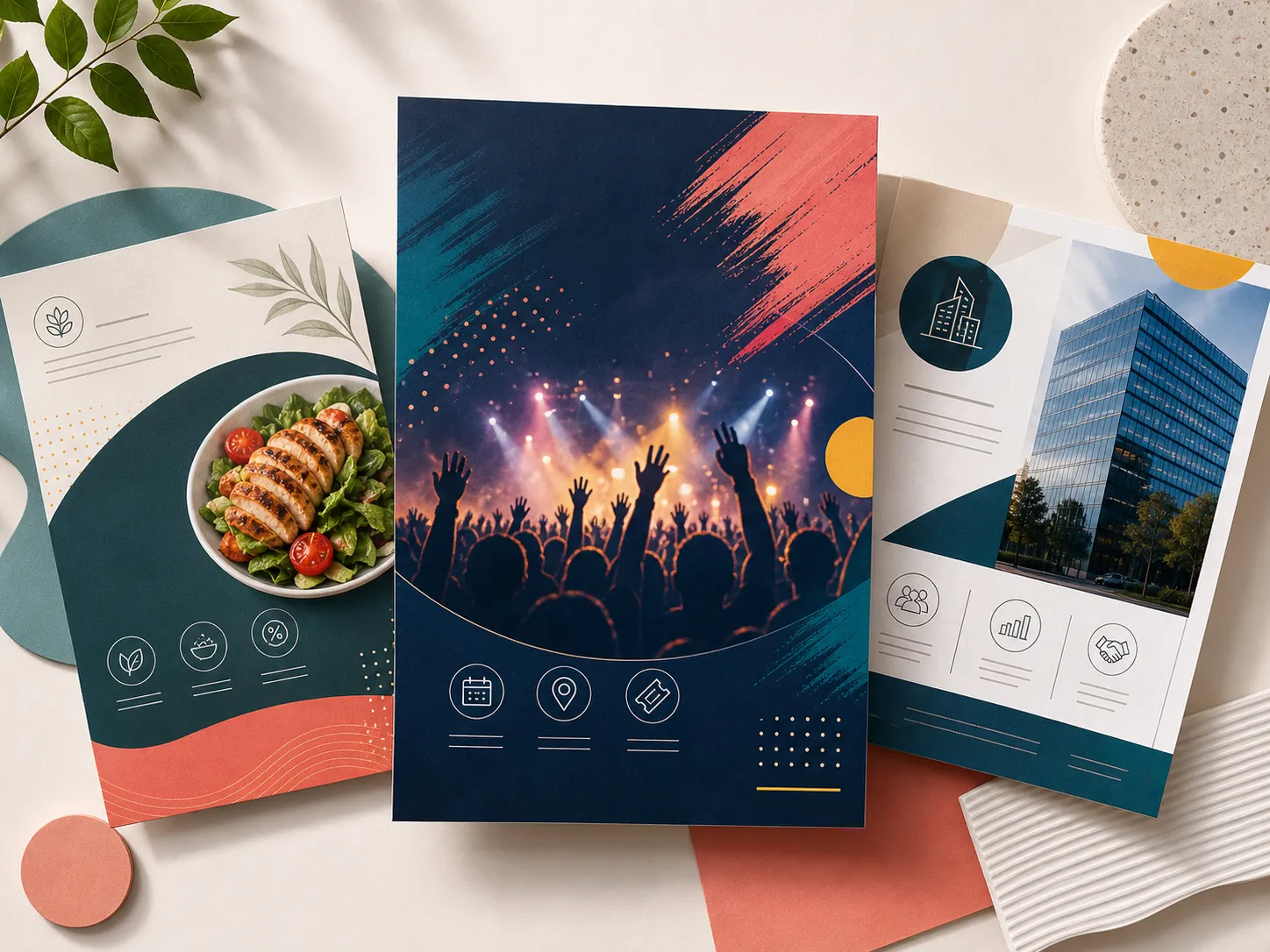
Generate distinct text spaces for event titles, descriptions, dates, locations, and clear calls-to-action.
A flexible tool designed to generate layouts for digital sharing and physical printing.
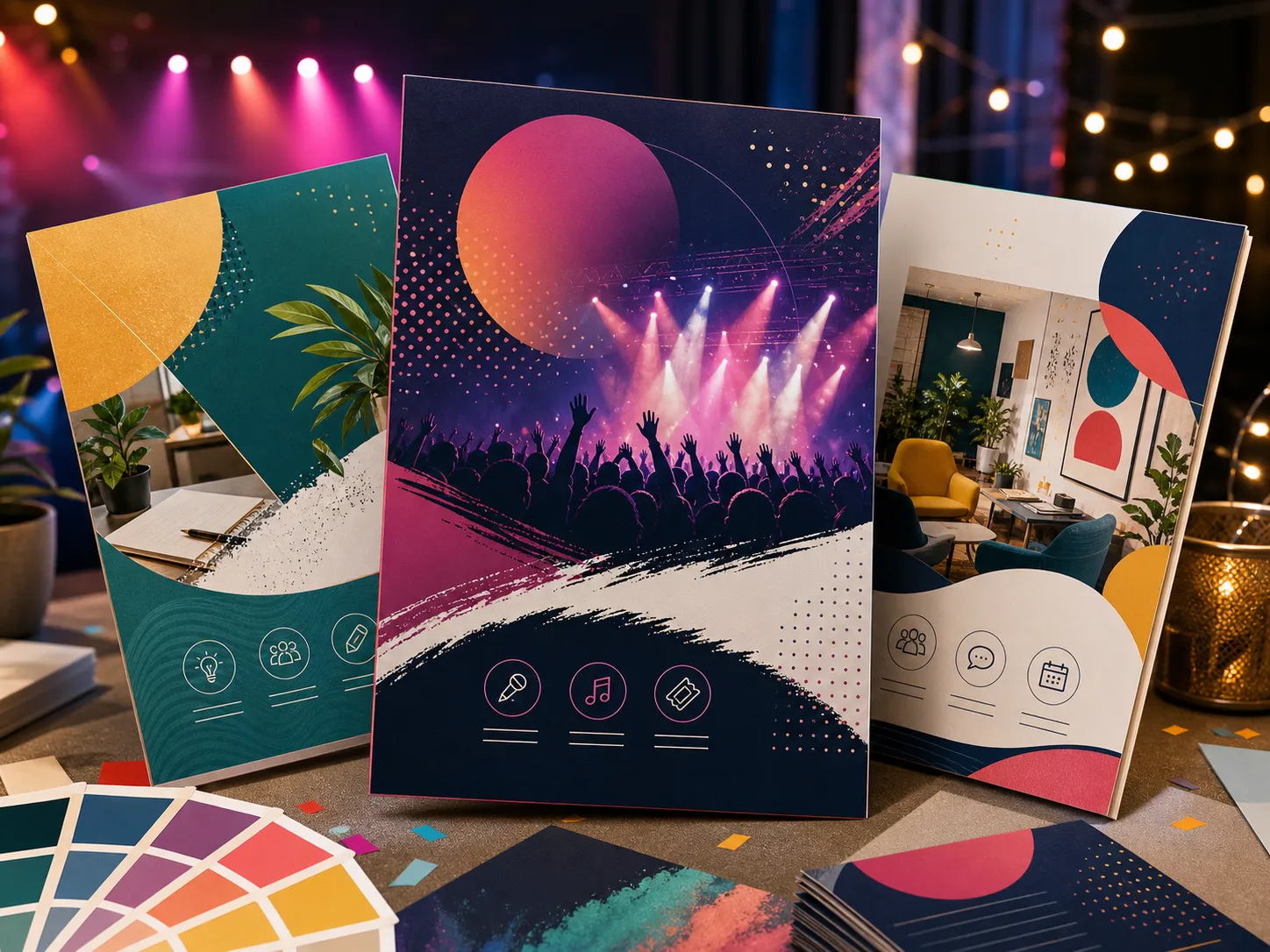
Generate invitations and posters for music events, neighborhood meetups, educational classes, or local announcements with AI Flyer Maker.
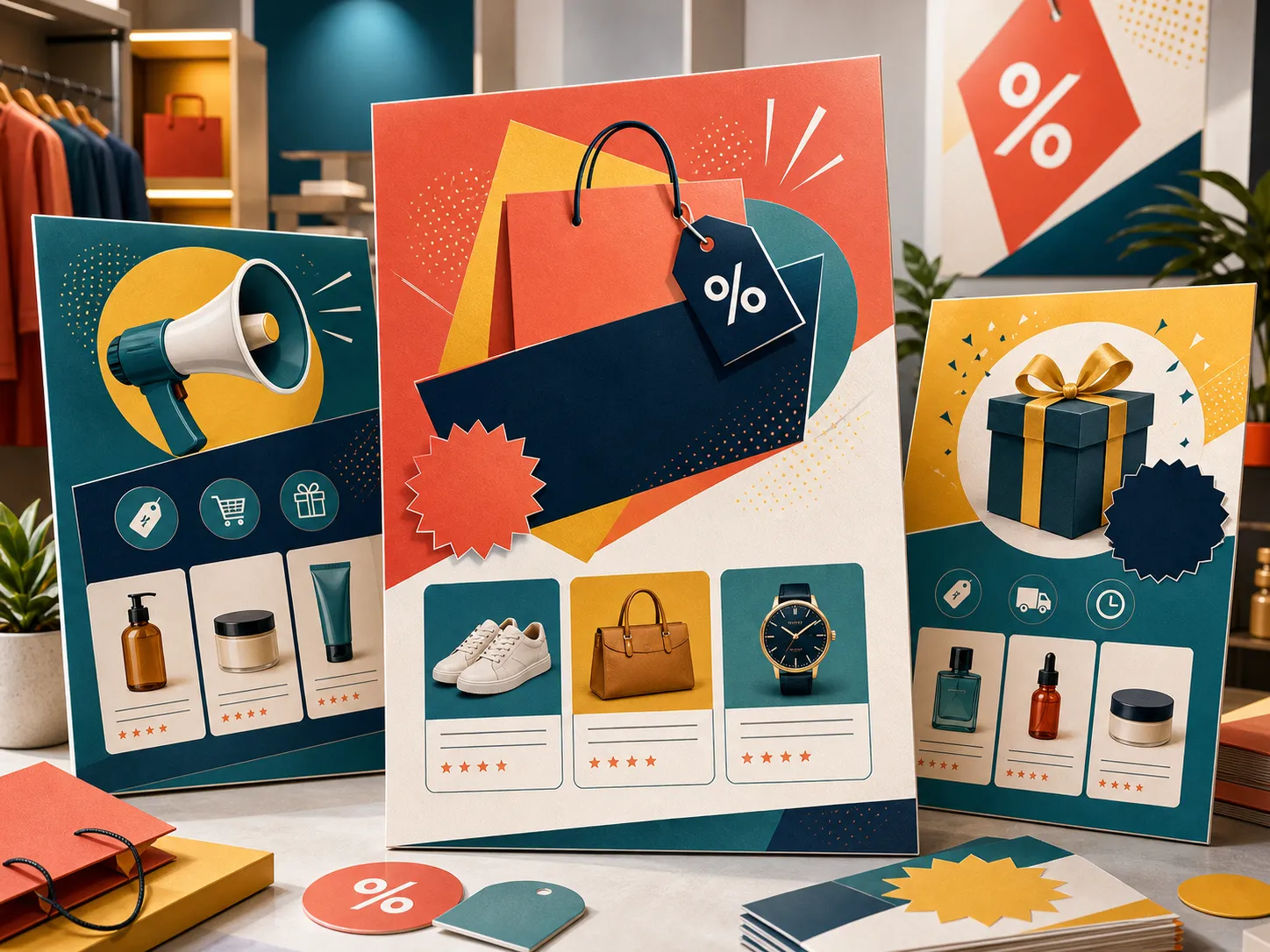
Create high-converting promotional graphics for seasonal sales, shop discounts, and new collection launches.
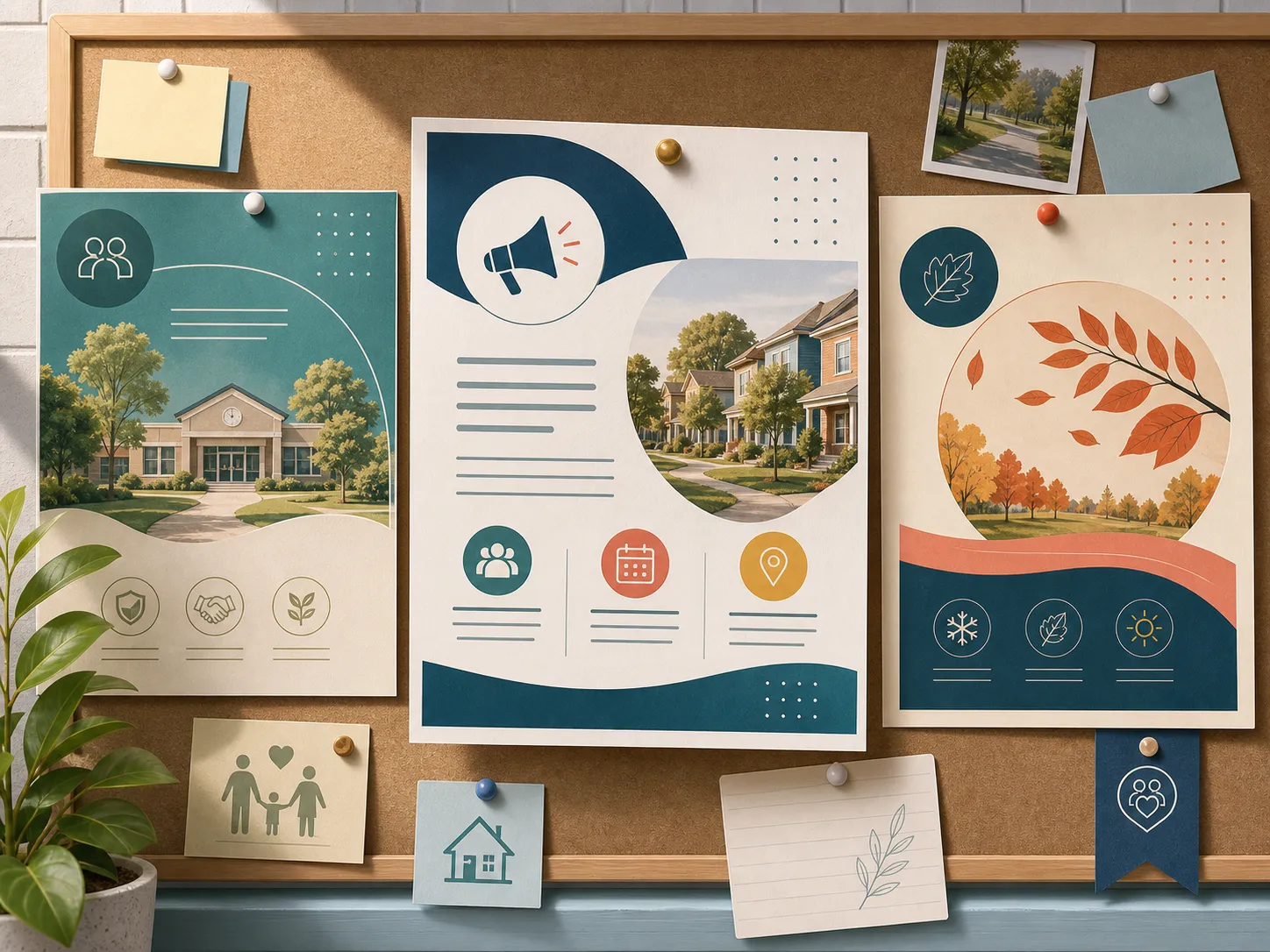
Build informative posters and flyers for club updates, charity fundraisers, or school announcements easily.
Input your text details, pick a style preset, and download your promotional flyer concept with AI Flyer Maker.
Write down the event title, date, time, location, discount code, and key message you want displayed.
Pick a design aesthetic that matches your branding, or upload reference images for guidance.
Generate your draft, check the typography balance, and export it for print or digital distribution.
"I used AI Flyer Maker to make a neighborhood meetup flyer. Setting the date and location details was seamless."

Community Organizer
"The retail style presets give our weekend flash sale campaigns a fresh, professional look without starting from scratch."

Store Manager
"Using venue images as layout references helped us make event posters that fit our branding perfectly."

Volunteer
Describe your business promotion or upcoming event and generate a layout concept instantly using AI Flyer Maker.
Create Flyer NowCommon questions about designing promotional flyers and event posters.
Enter your promo details and select a style preset. The AI then compiles the text and style into a visual flyer draft.
Yes, you can upload layout references or brand assets to guide the positioning, color schemes, and styles.
We support Modern Business, Retail Promo, Minimalist, Elegant Event, and Organic styles.
Yes, the flyers are output as high-resolution files suitable for digital sharing or physical printing.
Yes, commercial use is fully supported for files generated on paid plan accounts.