
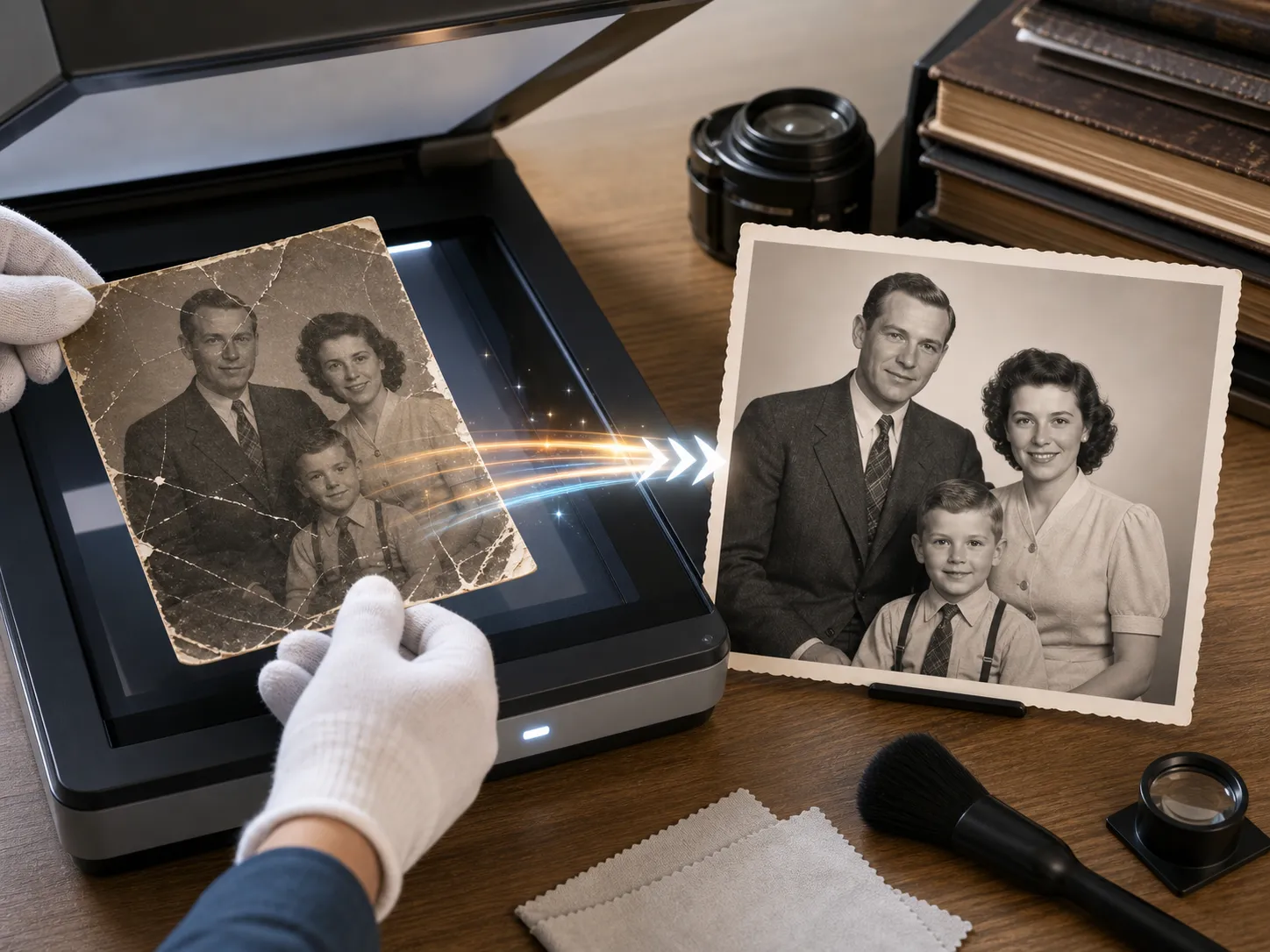
Smart Crease & Scratch Removal
The AI automatically detects and heals lines, dust particles, water spots, and physical tears on scanned prints.
Initializing dashboard...
Restore damaged, faded, or scratched old photos using advanced AI. Instantly repair physical creases, enhance low-resolution portraits, and add natural colors to black-and-white family archives.
Our AI old photo restoration tool helps you repair vintage, damaged, or discolored photographs with one click. It automatically eliminates scratches, tears, and age-related fading, sharpens blurry faces, and intelligently adds realistic color back into black-and-white memories without losing the photo's original historical feel.
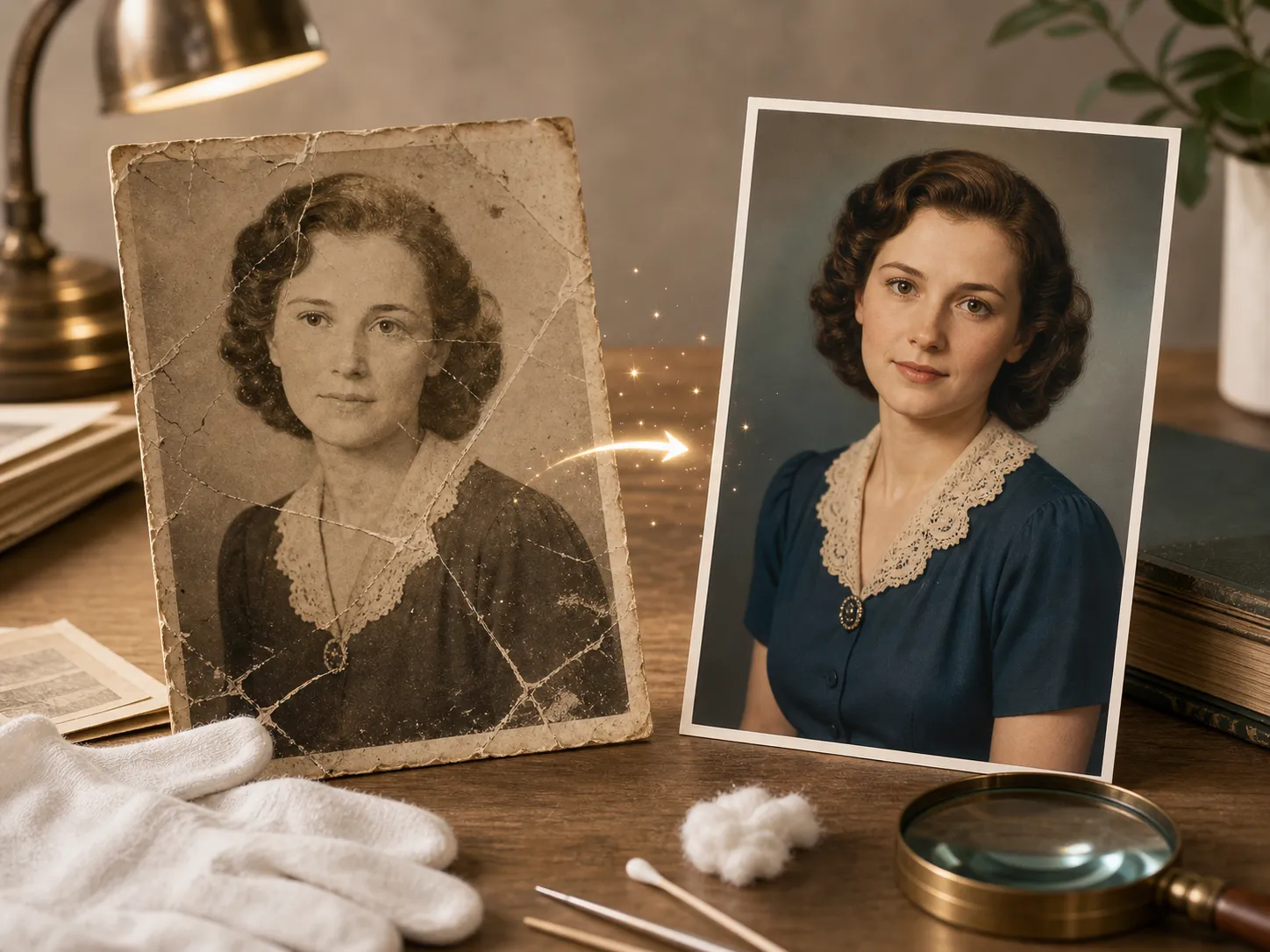
Bring faded prints and family history back to life with state-of-the-art detail reconstruction.
The AI automatically detects and heals lines, dust particles, water spots, and physical tears on scanned prints.
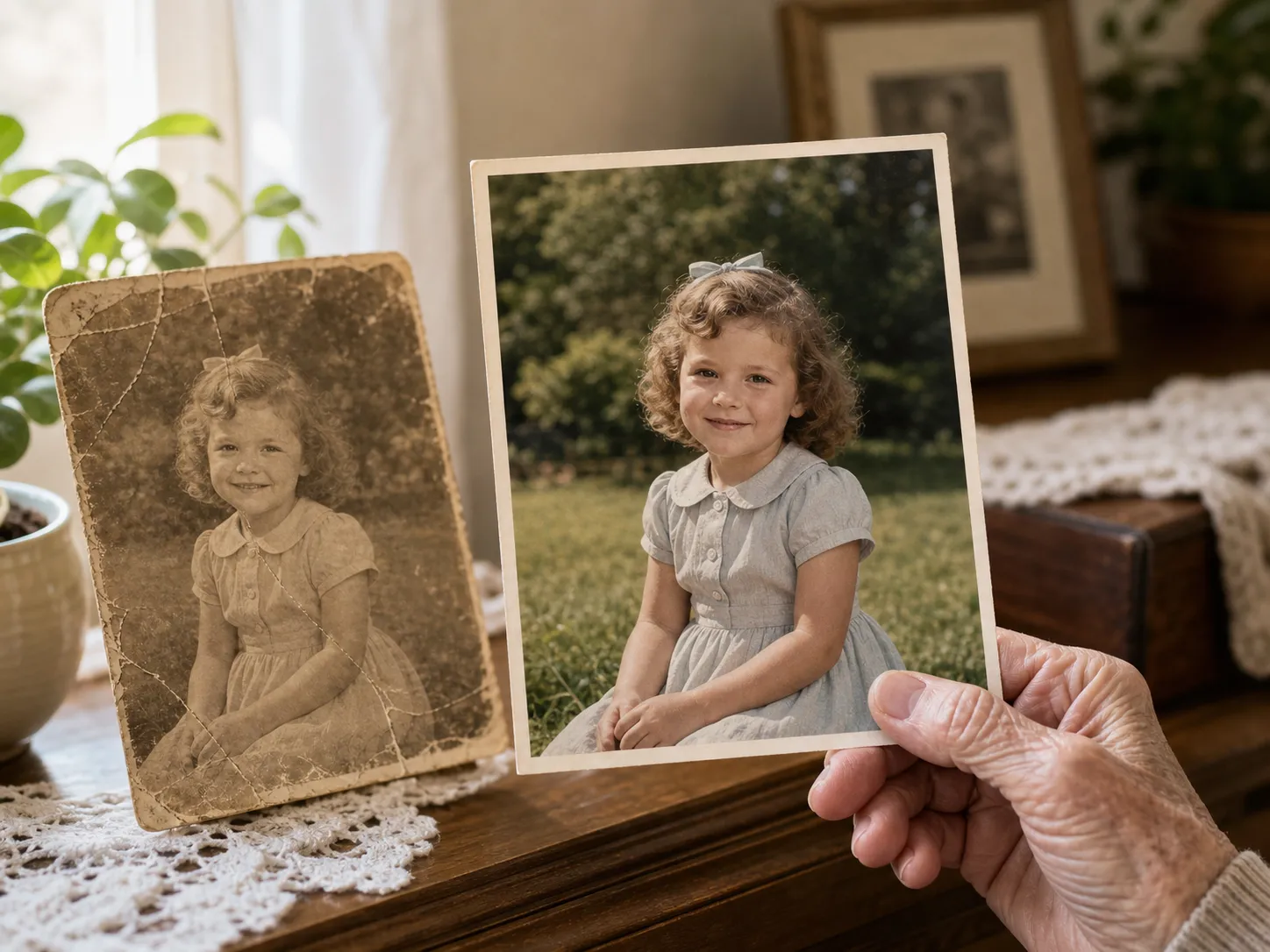
Specialized algorithms focus on human faces, sharpening blurry features, correcting color, and restoring realistic skin textures with AI Old Photo Restoration.
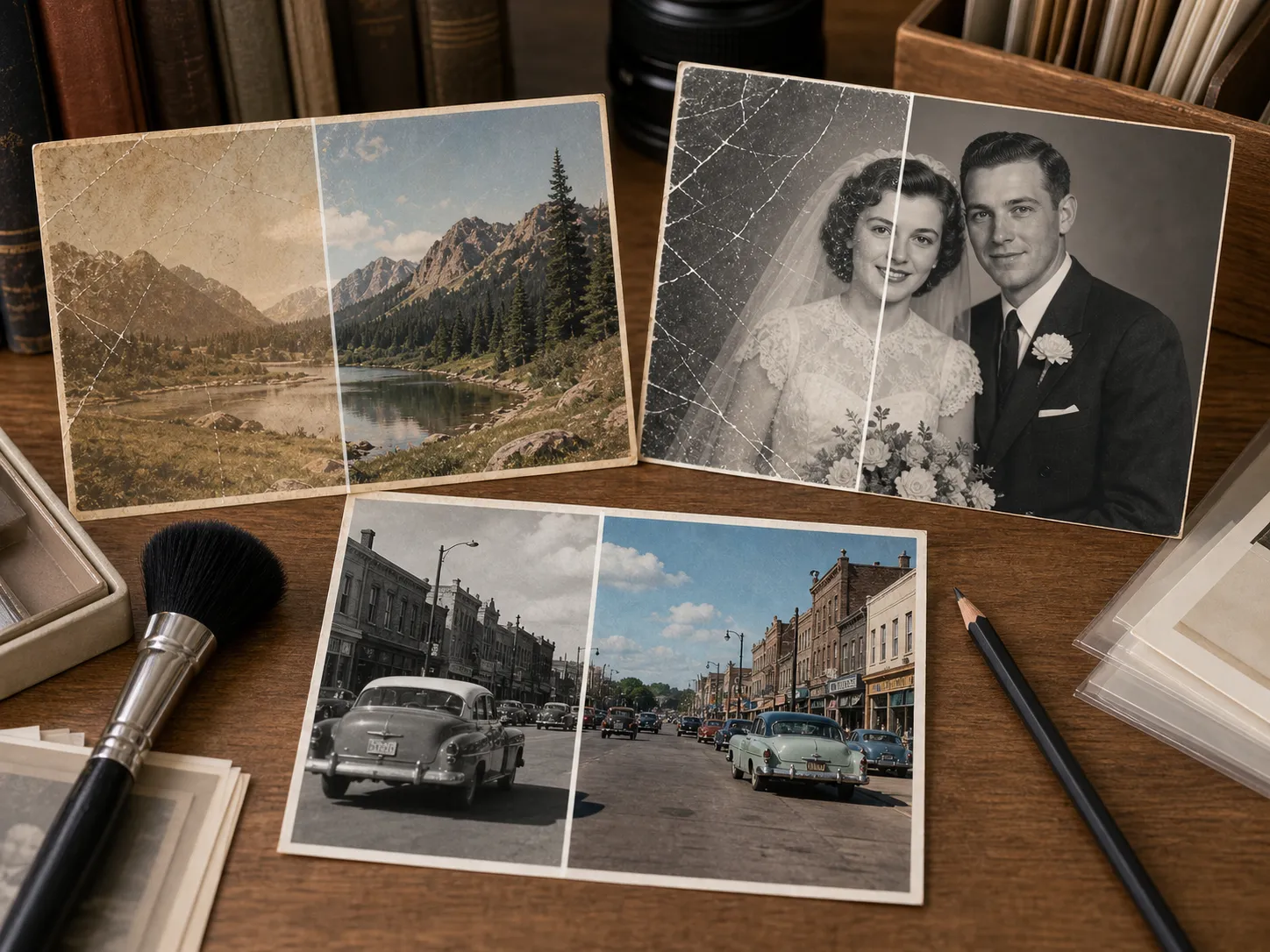
Optionally turn monochrome or sepia-toned images into vibrant, naturally colored photographs using intelligent contextual coloring.
A quick, digital way to save historical collections and personal scrapbooks.
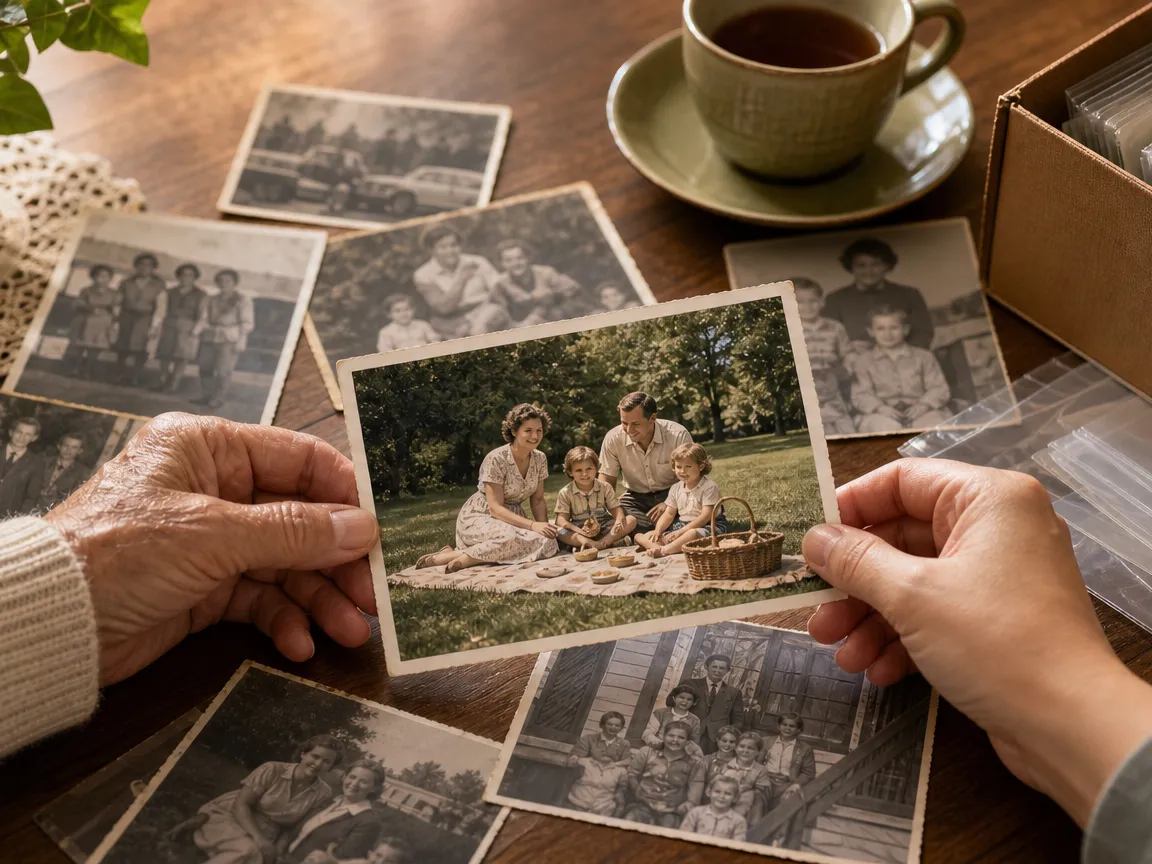
Digitally clean up faded pictures of ancestors, weddings, and childhood scenes to share with relatives or print as gifts.
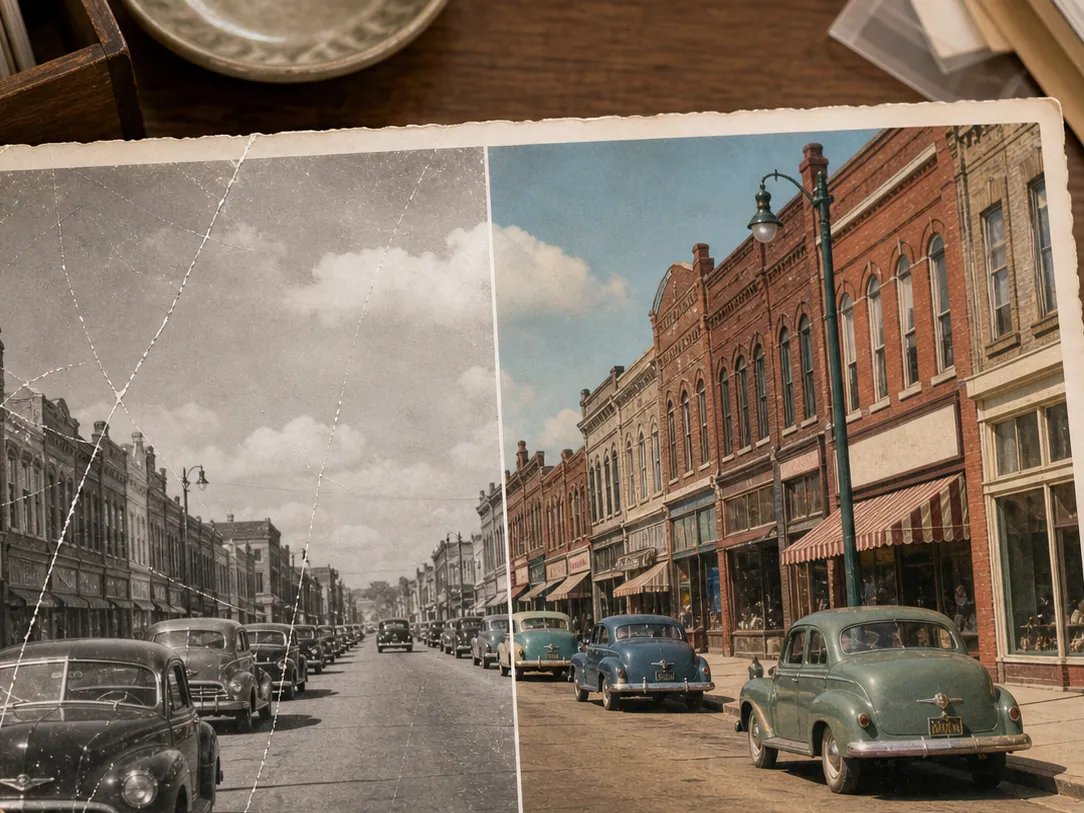
Add a fresh perspective to vintage black-and-white portraits by applying realistic color schemes with AI Old Photo Restoration.
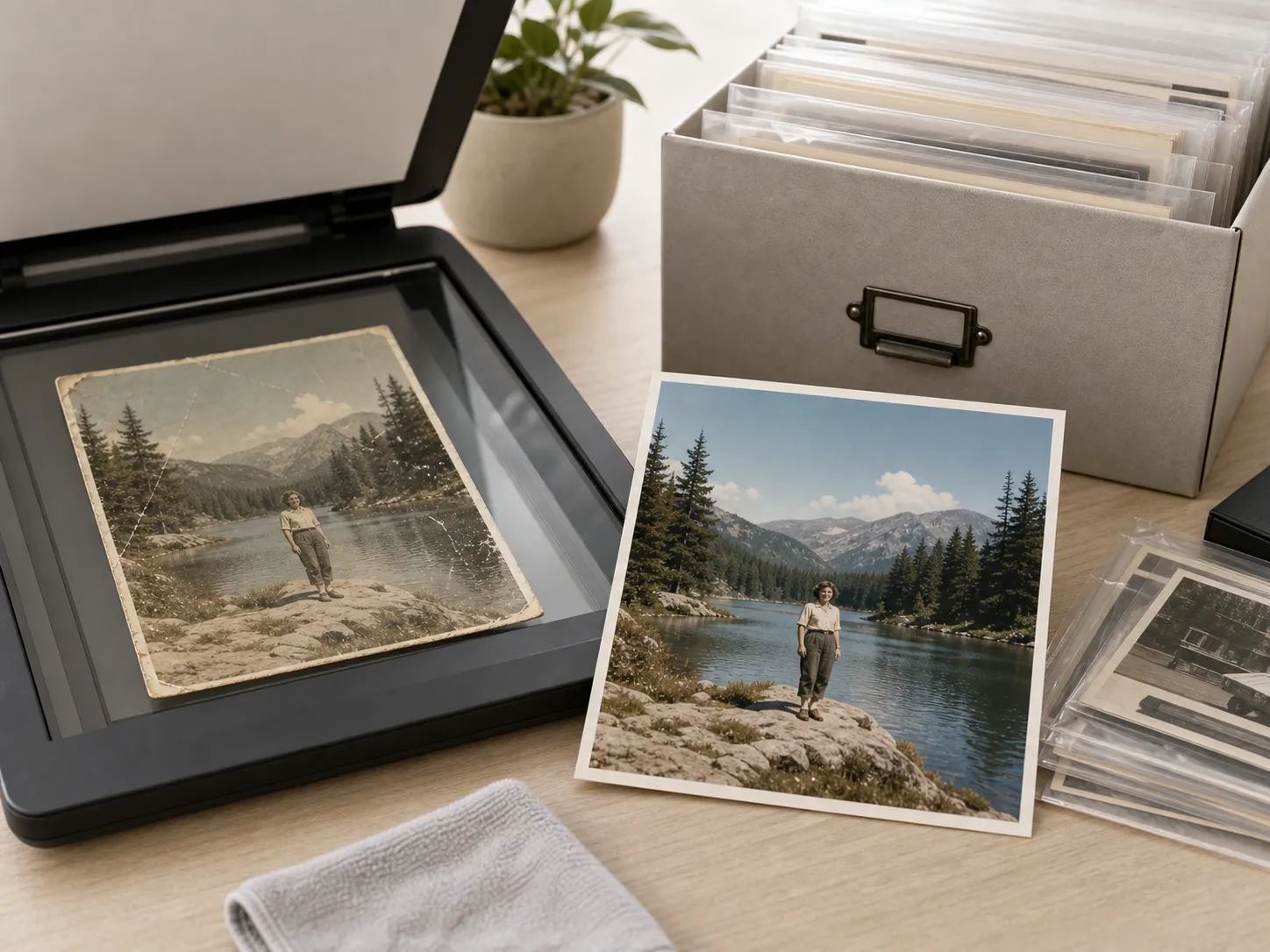
Prepare low-quality scans or photo captures of prints for online albums, genealogy sites, or printing.
Upload a scan of your old photo, let the AI automatically restore the details, and download the cleaned version with AI Old Photo Restoration.
Select the digital scan or smartphone photo of the damaged picture you wish to repair.
The AI processes the image to remove scratches, restore colors, and enhance faces instantly.
Preview the results side-by-side with the original scan, and download the high-resolution restored photo.
"I uploaded a scratched photo of my grandparents from 1950. The scratch removal and colorization results from AI Old Photo Restoration were absolutely stunning."

Family Historian
"It saves so much time compared to manual clone stamping in Photoshop. The face restoration details are incredible."

Photographer
"A must-have tool for genealogy research. It keeps the vintage grain looking authentic while repairing physical damage."

Archivist
Upload a faded or damaged photo and watch AI Old Photo Restoration reconstruct the details in seconds.
Restore Photo NowCommon questions about restoring and colorizing old photos.
The AI identifies blemishes, scratches, and low-resolution areas, and intelligently rebuilds missing details and corrects colors.
Yes, the tool can automatically add natural colors to black-and-white photos while preserving highlights and textures.
The AI focuses on removing actual damage (scratches, dust, tears) and fading, while preserving the natural film look and texture.
High-resolution scans of physical prints yield the best results, but clear smartphone photos of old prints also work well.