
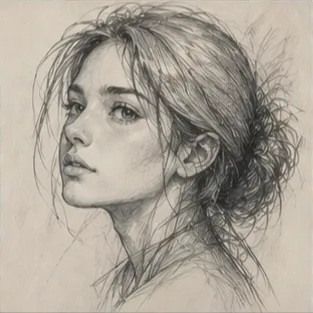
Faster Output
Move from a source photo to a finished sketch faster than tracing the image by hand.
Initializing dashboard...
Upload a clear photo and choose a sketch style to create pencil sketches, charcoal drawings, watercolor sketches, and more.

An AI photo to sketch tool turns a clear photo into a sketch-style drawing with a chosen artistic look. It works well for portraits, creative projects, social content, and printed art.
Turn photos into sketch-style art quickly while keeping the subject recognizable and the lines clean.
Move from a source photo to a finished sketch faster than tracing the image by hand.
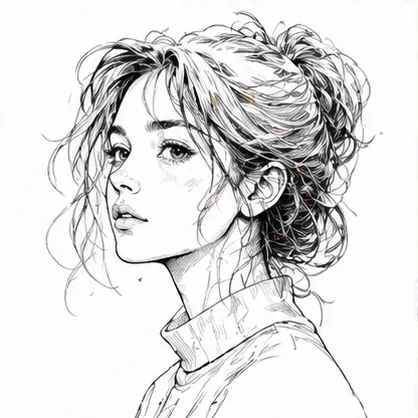
Choose from pencil, charcoal, ink, colored pencil, comic, concept, figure, watercolor, and digital sketch looks.

Create portrait sketches, creative studies, printable artwork, and social-ready sketch images from photos.
A flexible tool for turning photos into sketch-style drawings and line art.
Turn portraits or selfies into a clean sketch for profile images, gifts, or personal art.
Use it to test pencil, charcoal, ink, or concept-sketch directions before final artwork.

Create sketch images that work well for prints, posts, mood boards, or visual references.
Upload a photo, choose a sketch style, then generate a clean sketch result.
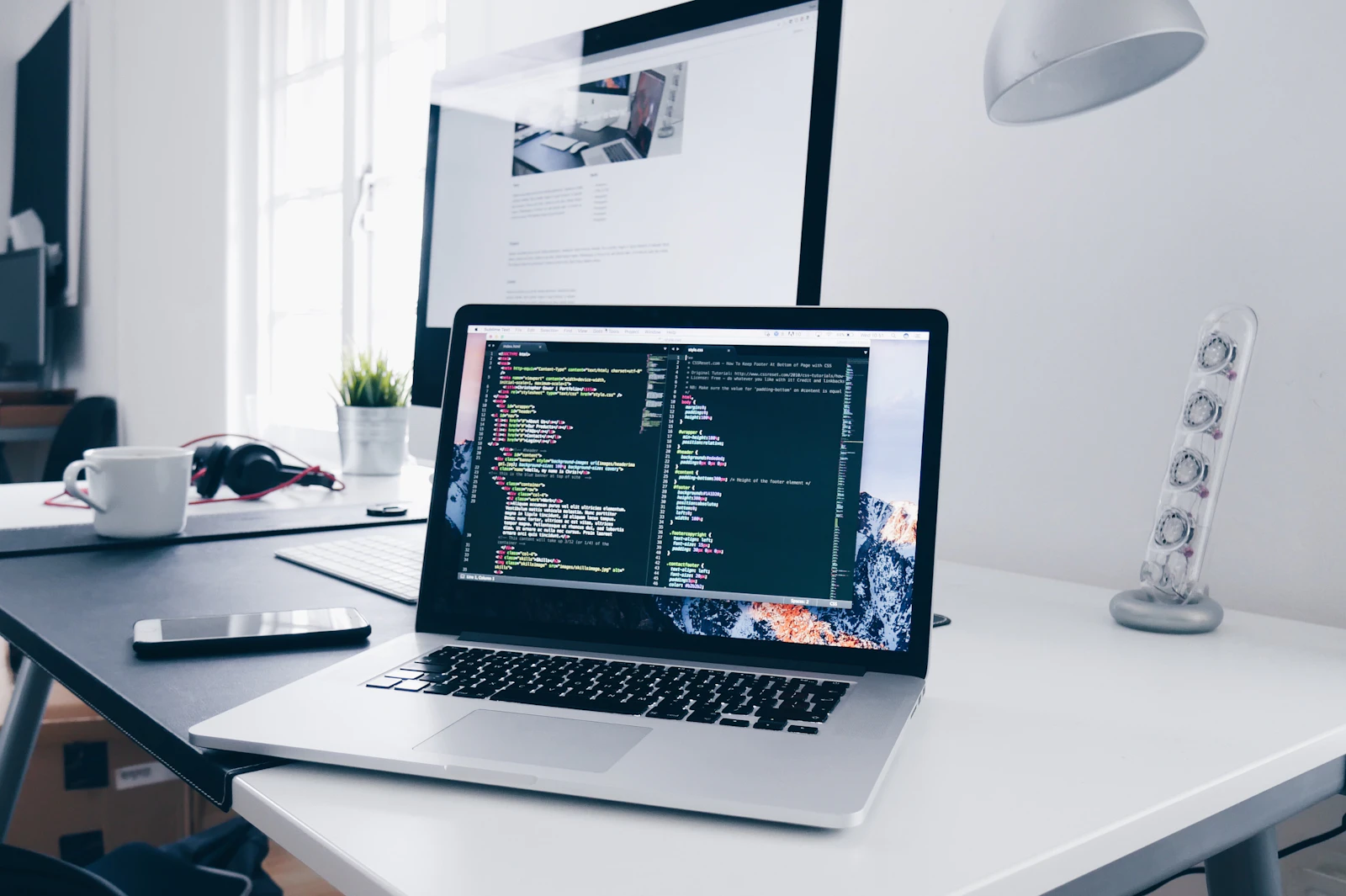
Upload the portrait, pet, object, or scene you want to turn into a sketch.
Pick a sketch style such as pencil, charcoal, ink, watercolor, or digital to shape the final look.
Create the result, check the lines and shading, and try another style if you want a different feel.
"I use it for social posts when I want a sketch look that still keeps the original pose and expression readable."
Content Creator
"The different sketch styles make it easy to pick between pencil, charcoal, or line art depending on the project."
Blogger
"It is great for quick concept sketches when I need a hand-drawn look for presentations or early reviews."

Product Designer
"I like turning vacation photos into sketches because the output keeps the mood but feels more artistic."
Travel Blogger
"It is handy when I want portraits or scene photos to look more like art prints without redrawing them myself."
Photographer
"Having a few strong sketch styles in one place makes it easy to find the right look for each image."

Digital Artist
Upload a photo and turn it into a clean sketch-style drawing.
Sketch PhotoCommon questions about turning photos into sketch-style drawings and line art.
Upload a clear photo, choose a sketch style, and the tool turns it into a hand-drawn-looking result while keeping the subject recognizable.
Yes. The tool is most useful when you want a believable sketch that still looks like the original image at its core.
Yes. You can try different sketch styles one by one and compare which result fits best.
Clear source images usually work best because the model has more to preserve while it applies the new composition or style.
Paid-plan generations are intended for commercial workflows, but you should always review your plan terms before publishing final assets.
Yes. Switching styles can help nudge the result in a better direction.
Use a source file that clearly shows the subject and the details you want preserved. The cleaner the input, the easier it is to get a strong result.