
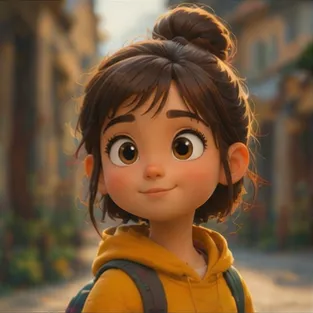
Faster Output
Move from sticker idea to usable illustration draft faster than drawing each option manually.
Initializing dashboard...
Create stickers with AI. Upload an image or type a custom idea, then choose a preset style or guide the result with your own prompt.

An AI sticker generator helps you create personalized stickers from either a photo or a text idea. Pick a preset style for a quick result, or switch to custom mode when you want tighter creative direction.
Create bold sticker-style art with simple controls for style, prompt, and optional image guidance.
Move from sticker idea to usable illustration draft faster than drawing each option manually.
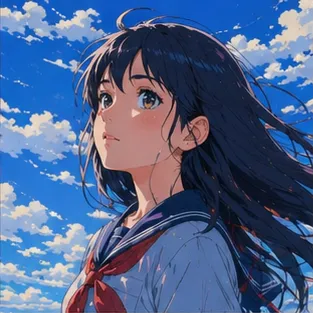
Choose a preset look for speed, or switch to a custom prompt when you need a more specific sticker direction.
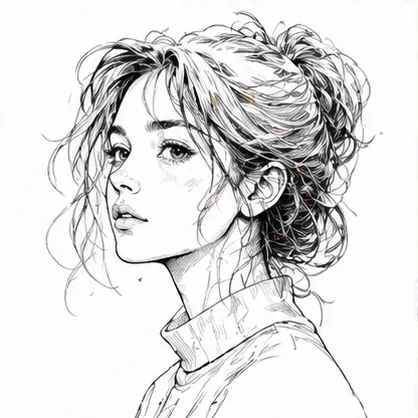
Create sticker-style illustrations, transparent decal art, messaging assets, and playful social graphics.
A flexible tool for creating custom sticker-style illustrations and chat-ready visuals.
Use AI Sticker Generator when you need stickers for chat packs, reactions, or group messages.
Use AI Sticker Generator when you want playful sticker art for posts, stories, or highlights.
Use AI Sticker Generator when you want a sticker concept that could also work on merch or labels.
Upload an optional image or write a prompt, choose preset or custom mode, then generate the sticker.
Upload a photo or write the sticker idea you want to turn into artwork.
Pick a preset style for a fast result, or switch to custom mode and describe the sticker in more detail.
Create the result, check the silhouette and clarity, then refine the prompt if you want a stronger outcome.
"I use AI Sticker Generator to turn a catchphrase into a sticker that looks ready for a chat pack."

Social Media Manager
"The preset styles make it easy to compare cute, comic, and illustrated looks for the same idea."

Freelance Designer
"For sticker drops, it helps me test whether a mascot or object has a strong enough silhouette."

Merch Seller
"The best results come from simple prompts. A single idea usually turns into a cleaner sticker for class materials."

Teacher
"I use it for reaction-style sticker ideas that fit a server joke without needing a full illustration workflow."

Discord Moderator
"It is useful for brainstorming sticker pack themes because I can keep the subject consistent and swap the style."

Marketing Lead
Upload an image or describe a sticker idea and generate a bold sticker-style illustration.
Create StickerCommon questions about creating sticker-style illustrations with preset or custom guidance.
Upload an optional image or enter a custom idea, then choose a preset style or switch to custom mode for a more specific sticker.
Describe the subject, expression, outline, mood, and any pack direction you want. Short and specific prompts usually work best.
Yes. The preset tab includes multiple sticker directions, so you can get a result quickly without writing a detailed prompt.
Yes. You can upload a single image as the main reference, or leave it empty and generate from text only.
Paid-plan generations are intended for commercial workflows, but you should always review your plan terms before publishing final assets.
Keep the request focused and avoid mixing too many ideas into one prompt. Clear direction usually leads to a more usable draft on the first pass.
Yes. It is often used for visuals that need to look polished quickly, especially when you want something you can refine and reuse.